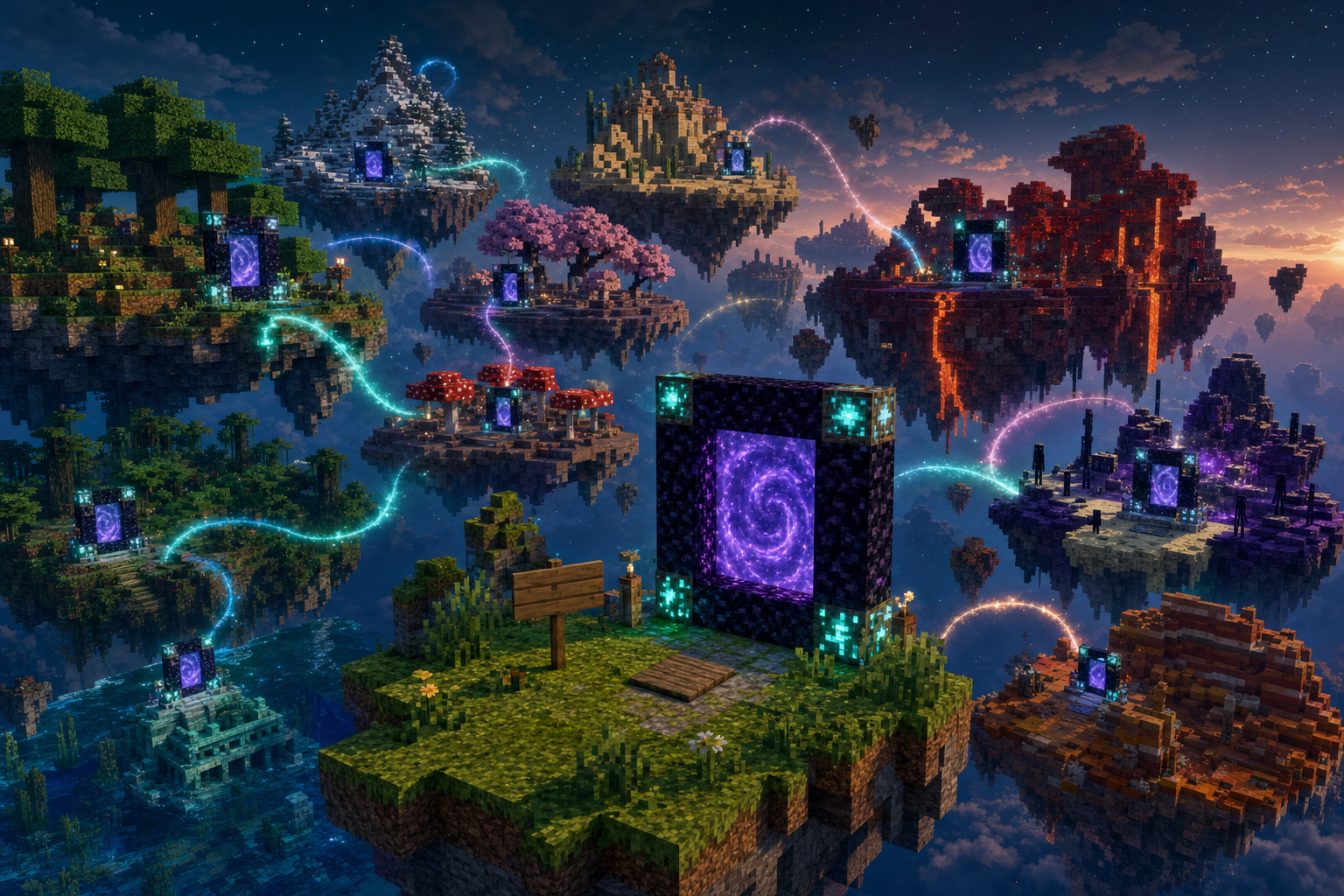
How it works
Your server stays yours. You don’t need to move into someone else’s network. A portal works like a Nether portal: walk in, and the game sends you to another server. Line 1 is always Portal. Line 2 is where it goes: Random for a surprise visit, or a friend’s IP and port for a fixed destination. Read below for the details.
- Play from a PC (Java) or phone / console (Bedrock via Geyser) — the plugin routes players by their client and respects the destination you set
- If people can reach you from the internet, your world can appear on the map below — and you’ll see your neighbors!
- Need portals only inside your own server — between villages or biomes? Build them from wool: a local portal system that never leaves your world
Nobody on the map yet — your server could be the first.
- Has this plugin
- World without the plugin
- Scroll to zoom · drag empty space to move · drag a circle · click a server to hide or show its links
Join the map in three steps
Install in 1 minute (Docker)
One command — Paper + Multiverse Portals + Geyser/Floodgate, then you’re on the map.
docker run -d --name minecraft_mvp --network host -e EULA=TRUE -v mvp-data:/data mvsews/mvp && IP=$(curl -fsS https://api.ipify.org) && echo "Server ready — connect Java $IP:25565 | Bedrock $IP:19132"
Needs Docker on Linux (host network). Prefer a manual Paper install? Steps below.
You need a Paper server (version 1.21 or newer). Then install this plugin and allow guests to arrive.
2. Allow players to arrive from other worlds
3. Restart and check
Want phone / console players too? (Geyser)
How to build and use a portal
Three kinds: to another server, to another biome (Away), or wool between spots on this world. Walk into the purple opening — no pressure plate.
To another server
Build a closed frame like a Nether portal (a 1×2 peephole is enough; vanilla is 2×3, giant rings work too). Hang the sign on the right jamb (looking at the portal). The hole lights up purple. Walk in to travel — a pressure plate is not needed.
any solid block walk in here sign
On the sign: line 1 always Portal, line 2 = where to go:
Random server
Finds an open world once and remembers it. Want another? Put a button by the sign (Howl’s dial) or break the sign and place a new one.
To a friend by IP
Line 2 = IP:port (or just the address if the port is the default 25565). On their side they write your address the same way.
To another biome
Same ring, but the frame is this biome’s block. Line 2 empty or Away. Stays on this server — details below.
Optional: link with a code
Links two specific portals by server and portal code. On A leave line 3 empty — you get a code; on B write Portal / Pair / that code. For most people IP + port is easier.
How to go through
- Walk into the purple sheet and wait a moment. Standing on the top of the frame does not send you.
- Only if the server requires it: type
/mvp readyonce in chat (allows one-way travel to a public world that has no portal back to yours). Off by default in config (ready.confirm: false) — you can turn confirmation on so players don’t get lost and know there is no return portal. If the other side has a return portal, this confirm is not needed.
Away — another biome on this server
Same closed ring, but the frame must be this biome’s block: oak logs in a forest, sandstone in a desert, packed ice on a glacier, and so on. Line 1 is Portal. Line 2 may be empty or Away. If line 2 is Random, it is a cross-server portal even on oak.
this biome’s block walk in sign
The first walk binds to one overworld biome (oceans and caves included; not Nether/End) and stays there, like a Nether portal. The plugin can build a small return ring from your biome’s material. Away portals are not shown on the public map. If the frame is the wrong block, chat tells you which one this biome needs.
Inside this server (wool)
Use this when you need portals between places on the same server (villages, bases). Frame of one wool color, any closed ring — the 3×4 doorway below is just an example. Hang the sign on the right jamb (looking at the portal). Walk into the purple sheet — no plate.
same color wool sign walk in
Sign: line 1 = name, line 2 = channel number (0–9999). Same color + same channel = linked (A→B→C→A). Walk in (a button under the sign still works).